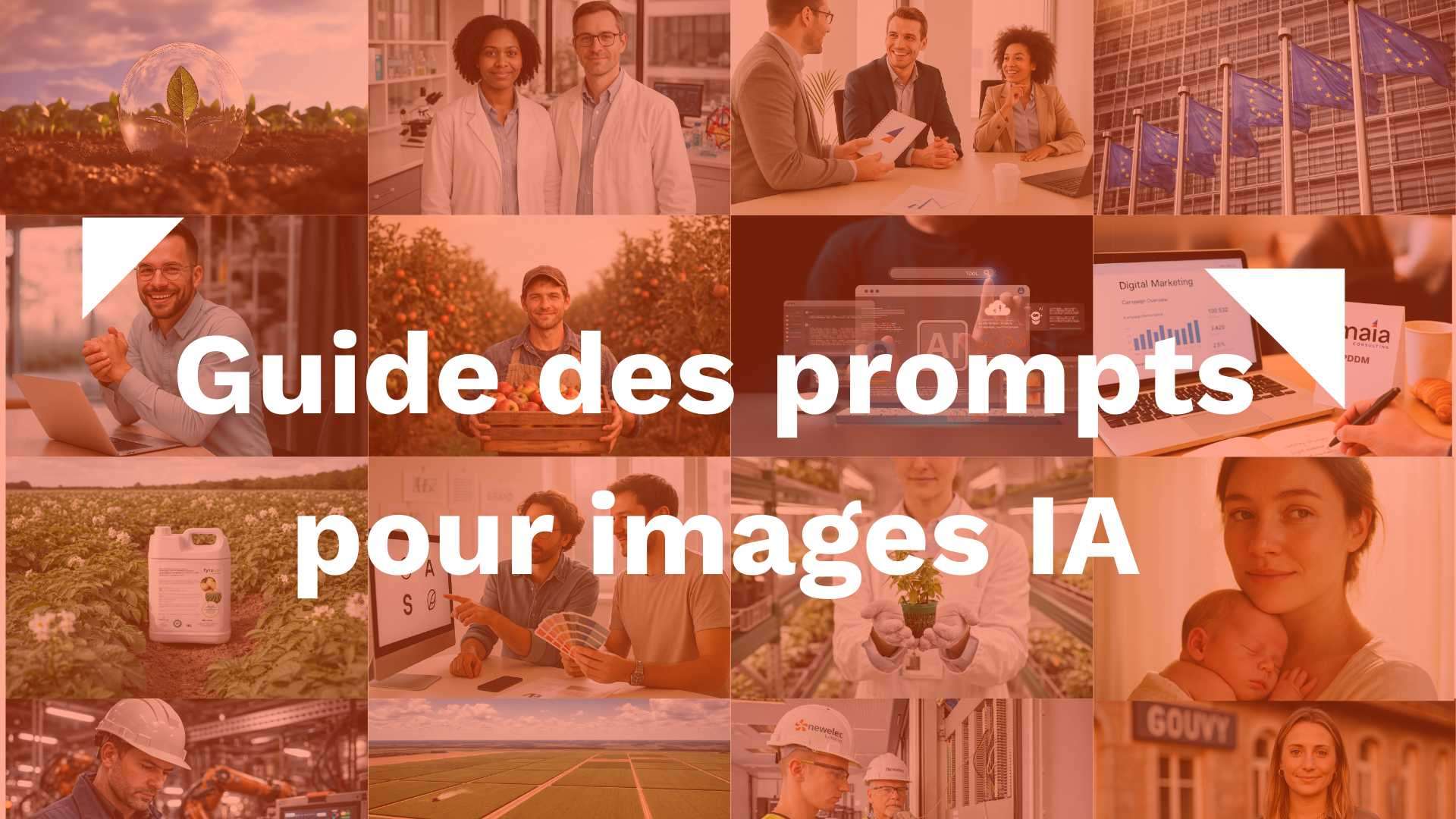
How to Generate High-Quality AI Images Using Detailed Prompts: A Practical Guide
Introduction: AI Image Generation—A Powerful Tool for Creators
Artificial intelligence (AI) is transforming visual creation today. Thanks to AI image generators, it’s possible to produce original visuals simply by entering a textual description called a prompt. Designers, marketers, and content creators can thus quickly generate images tailored to their projects.
However, the quality of the result depends heavily on the precision of the prompt used. Knowing how to write a detailed prompt to generate an AI image allows you to produce more coherent, realistic, and creative visuals.
In this article, we explore the leading AI image-generation tools and share practical tips for optimizing your prompts and improving the quality of your AI-generated images.
1. Popular Tools for Generating Images with AI
There are now several AI-powered image generators, each with its own unique features depending on the type of image being created.
Sora
Sora is an AI tool capable of generating highly detailed visuals. It is particularly useful for complex prompts and for creators who want very precise results.
Nano Banana
Nano Banana (Gemini) is designed to generate multiple versions of the same character or object in different contexts. This tool is particularly useful for creating visual consistency across a series of images, such as for a marketing campaign or a visual identity.
Midjourney
Midjourney is very popular for creating artistic and stylized images. It is particularly appreciated for its detailed visuals and its ability to produce highly aesthetic images.
Stable Diffusion
Stable Diffusion is an open-source image generator that offers a high degree of customization. It is often used by advanced users who want precise control over their images.
Every tool has its advantages and limitations. With experience, it becomes easier to determine which AI image generator to use depending on the type of image you want.

2. How to Create an Effective Prompt for Generating an AI Image
To get a high-quality image, it’s essential to write a structured and detailed prompt. The more precise the description, the better the AI will be able to interpret your request.
Here are the key elements to include in an effective prompt.
Shot / Framing
Framing determines the composition of the image. You can use a wide shot to capture an entire scene or a close-up to highlight a specific detail.
Angles such as high-angle shots or low-angle shots can also add depth and enhance the visual impact.
Main Topic
Describe the subject of your image in detail.
For example, instead of simply writing:
- "a skateboarder"
You can specify:
- "A skateboarder in a black leather jacket performing a trick at a concrete skatepark."
The more detailed the subject is, the more accurate the result will be.
Action or Emotion
Adding an action or an emotion helps bring the image to life.
Examples:
- a dancer in mid-jump
- a child laughing in the rain
- an entrepreneur observing a production line
Context / Setting
The setting has a strong influence on the atmosphere of the image.
Examples:
- a dark street lit by streetlights
- a futuristic laboratory
- a modern automated factory
A well-described setting helps create a more immersive experience.
Photographic style / visual effects
You can also specify the visual style you want.
Examples:
- film grain
- 35 mm film photography
- cinematic lighting
- depth of field
Mood / Artistic Intention
Mood adjectives help the AI guide the rendering.
Examples:
- somber atmosphere
- vintage style
- dynamic atmosphere
- dramatic lighting
Technical Details and Accessories
The small details add realism to the image.
For example:
- futuristic jewelry
- light reflections on metal
- a light mist in the background
Use precise vocabulary
A precise visual vocabulary can significantly improve the final result.
Terms such as:
- hyperrealistic
- cinematic
- Editorial
- surreal
can guide the AI toward a specific style.
Consultant's tip: Using terms like "hyperrealistic" or "editorial" often helps achieve a more natural or professional look.
You can also intentionally include natural imperfections, such as skin textures or wrinkles in clothing, to avoid a look that’s too artificial.
It’s also important to keep in mind that the result can vary with each image generation. Each tool has its own graphic style and its own way of interpreting prompts.
3. Example of a detailed prompt in an industrial context
Let's look at a concrete example.
Initial idea
"A technician working in a factory"
Optimized prompt
"A medium shot of an industrial technician wearing a white hard hat and a blue work jacket, monitoring an automated machine in a modern factory. The scene shows a metal production line with robotic arms and illuminated control screens. The industrial lighting comes from white neon lights that reflect off the metal surfaces. The technician is intently observing the data displayed on a tablet with a focused expression. The background features metal structures, neatly organized cables, and a slight depth of field. A hyperrealistic image with detailed textures of the metal, skin, and work clothes.”
Tip: Limit the number of characters in close-up shots to three. Too many characters can clutter the frame and reduce its visual impact.

4. Optimize the quality of AI-generated images
Once the image has been generated, you can use certain tools to improve its quality or resolution.
Midjourney
Midjourney offers an upscaling feature that allows you to enlarge an image while maintaining a high level of detail.
Gigapixel
Upscaling tools such as Gigapixel AI make it possible to increase the resolution of AI-generated images and improve the sharpness of details.
These solutions are useful for preparing images for print, websites, or professional presentations.

5. Use Nano Banana to maintain character consistency
In some visual projects, it is important to keep the same character or object in multiple images.
That is exactly what Nano Banana does—it maintains visual consistency while generating different scenes.
This feature is particularly useful for:
- marketing campaigns
- visual series
- visual storytelling
- educational content

Conclusion: Making the Most of AI Image Generation
Artificial intelligence-powered image generation now offers tremendous creative possibilities. By learning how to write detailed prompts, it becomes possible to turn a simple idea into a professional-quality image.
By combining tools such as Sora, Midjourney, and Nano Banana—and then optimizing the image quality—creators can quickly produce striking visuals for their marketing, editorial, or creative projects.
Learn about AI image generation
Would you like to take your use of artificial intelligence for creating visuals to the next level or incorporate these tools into your marketing strategy?
If you're interested in learning about image generation or, more broadly, artificial intelligence, please feel free to contact us. We offer hands-on training to help companies and marketing teams effectively leverage AI tools in their projects.